Hi guys,
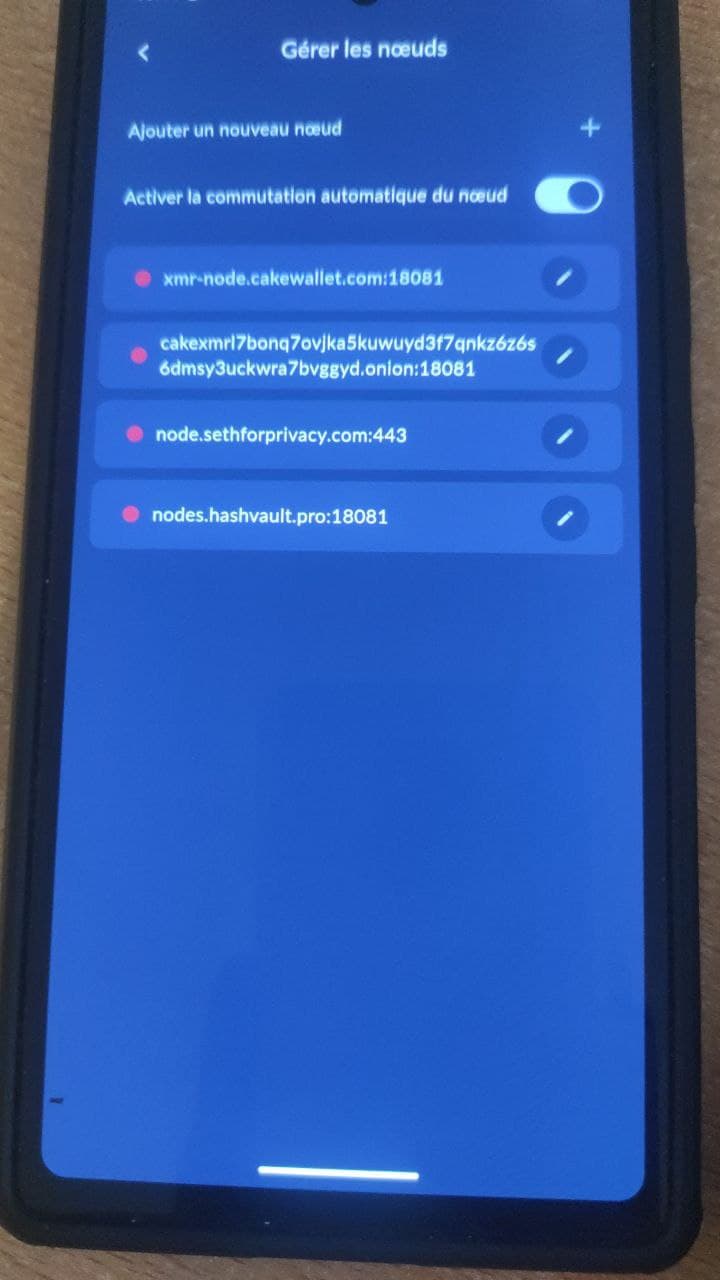
someone contacted us because he’s using GrapheneOS and the connection to the nodes and the synchronization is not happening, the status remains in “attempting to synchronize”.
Sometimes it spends 1 to 2 seconds connected and then restarts the synchronization attempt.
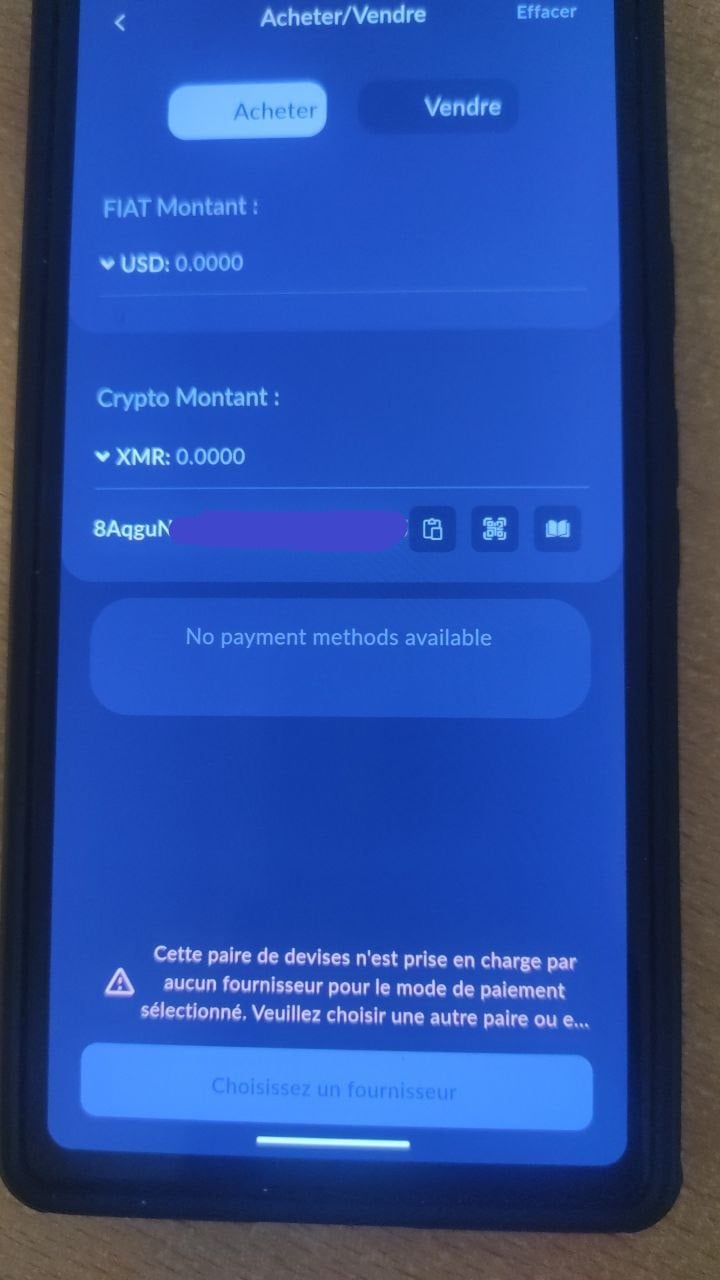
Also, when trying to purchase, even leaving “All Payment Methods” selected, the DFX method isn’t offered, and the following error message appears:
“This currency pair is not supported by any provider for the selected payment method. Please choose another pair or e…”
_Specs :
Pixel7a
Graphen version 2025081400
Would you have any idea of a debugging process please? 
Thanks
Nodes :